Poradnik instalacji
Instalacja eSIM w iPhone (iOS)
Ten poradnik krok po kroku wyjaśnia, jak zainstalować podróżną eSIM w iPhone (iOS) za pomocą kodu QR lub ręcznie, wybrać właściwą linię do transmisji danych i połączyć się na miejscu.
Instalacja krok po kroku
- 1
Otwórz menu dodawania eSIM
Przejdź do Ustawienia › Sieć komórkowa › Dodaj eSIM.
- 2
Zeskanuj kod QR
Skieruj aparat na kod QR z e‑maila. Jeśli się nie skanuje, stuknij „Wprowadź dane ręcznie” i wpisz adres SM-DP+ oraz kod aktywacyjny.
- 3
Nazwij linię
Nadaj nowej linii nazwę, np. „Podróż”; główna linia pozostaje bez zmian.
- 4
Wybierz linię danych
W Ustawienia › Sieć komórkowa › Komórkowa transmisja danych wybierz linię podróżną i wyłącz „Zezwalaj na przełączanie danych komórkowych”.
- 5
Włącz roaming po przyjeździe
Na miejscu włącz Ustawienia › Sieć komórkowa › [linia podróżna] › Roaming danych tylko dla linii podróżnej. Roaming na głównej linii pozostaw wyłączony.
- 6
Sprawdź połączenie
Na pasku stanu powinna pojawić się nazwa lokalnej sieci i ikona 4G/5G. W razie potrzeby uruchom telefon ponownie.
Rozwiązywanie problemów
Kod QR jest „nieprawidłowy”
Każdy kod QR można użyć tylko raz. Jeśli eSIM została już dodana, widnieje na liście; jeśli ją usunięto, poproś wsparcie o nowy kod.
eSIM zainstalowana, ale brak internetu
Sprawdź, czy linia podróżna jest wybrana do transmisji danych i czy Ustawienia › Sieć komórkowa › [linia podróżna] › Roaming danych jest włączony. Włącz tryb samolotowy na 10 sekund i go wyłącz.
Nie znaleziono sieci
Przełącz wybór sieci z automatycznego na ręczny, wybierz obsługiwanego operatora, a potem wróć do wyboru automatycznego.
Telefon prosi o APN
Większość pakietów ustawia APN automatycznie. Jeśli to konieczne, wpisz APN z e‑maila w ustawieniach sieci komórkowej.
Moja główna linia się wyłączyła
Obie linie mogą działać jednocześnie. Włącz ponownie główną linię w menedżerze kart SIM i zostaw tylko transmisję danych na linii podróżnej.
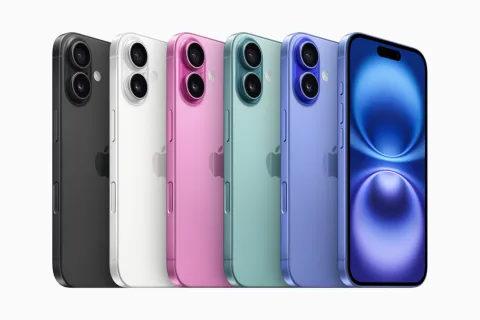
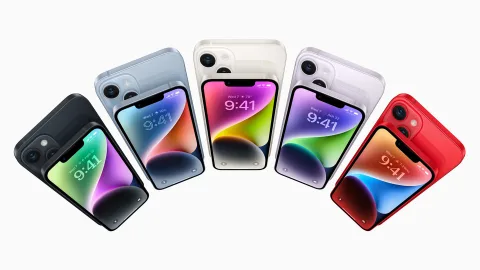
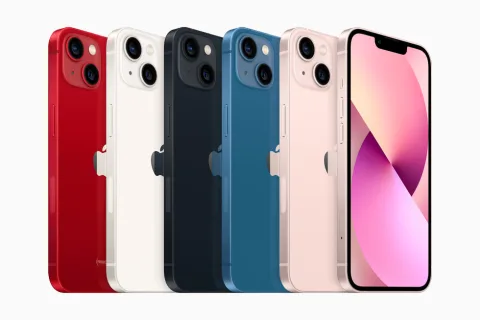
Urządzenia zgodne z iPhone (iOS)

Inne poradniki instalacji
Przygotuj internet przed rozpoczęciem podróży
Wybierz odpowiedni pakiet eSIM w kilka minut, zainstaluj go kodem QR i korzystaj z internetu w ponad 200 krajach.
Natychmiastowa dostawa • Bezpieczna płatność • Wsparcie 24/7